.png)
Industry
Remittance Advice: The Missing Link Between Payment and Reconciliation
Learn what remittance advice contains, how it differs from a payment confirmation, and why structured data improves invoice matching.


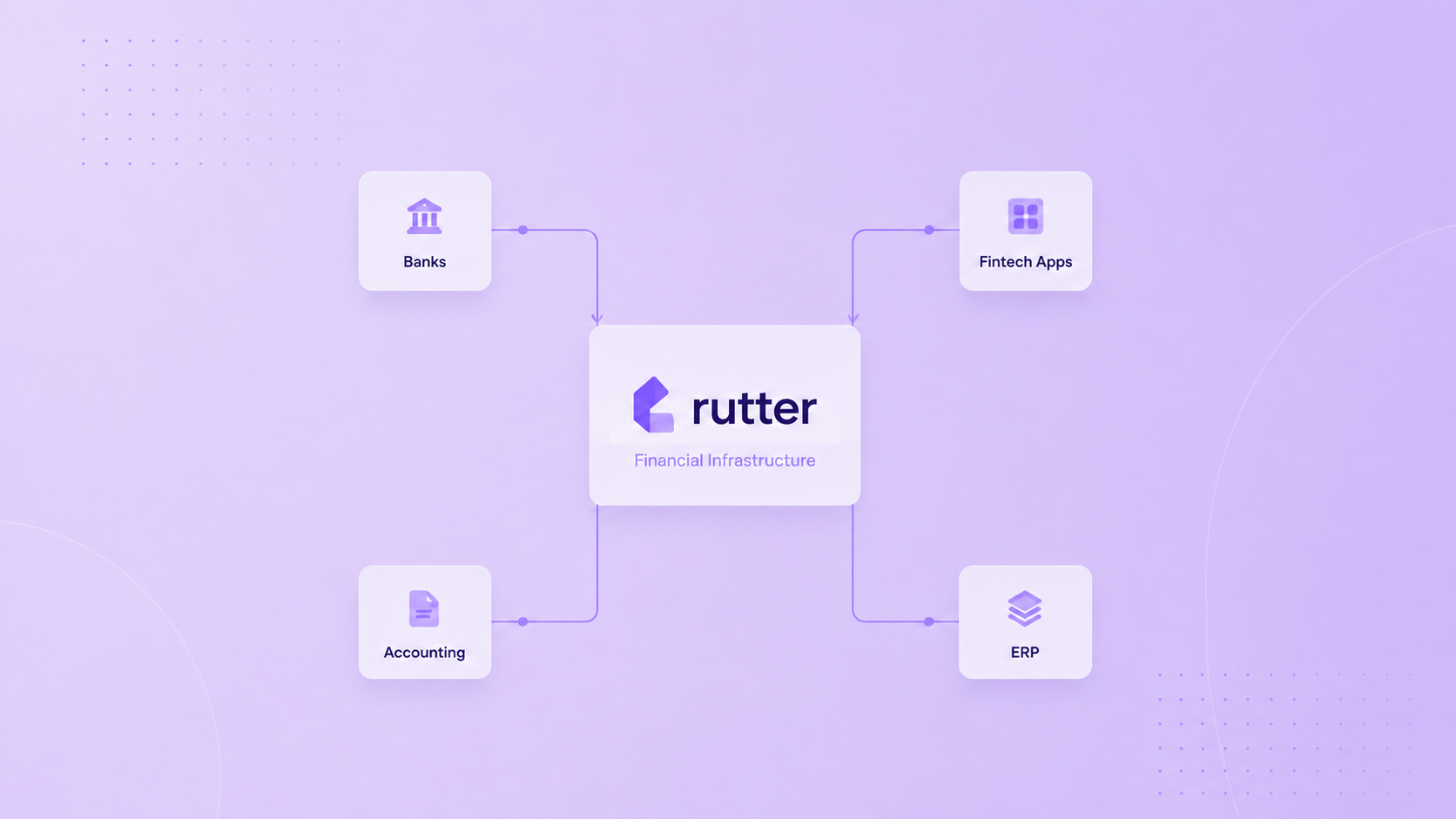
Fintech teams often underestimate ERP integrations because they have already built SaaS integrations. NetSuite and Microsoft Dynamics are not just bigger SaaS apps. They are systems of record with custom fields, subsidiaries, approval workflows, accounting rules, permissions, platform-specific objects, deployment processes, and customer-specific configuration.
An ERP integration platform gives product and engineering teams a way to connect to those systems without turning every ERP into a standalone roadmap. The goal is not only to pull data. The goal is to build financial products that can read, write, reconcile, and embed workflows across the systems customers already use.
Rutter’s Accounting API supports read/write ERP and accounting connectivity. Rutter’s ERP integration methods guide explains the three main methods: Accounting API, bank feeds, and fully embedded ERP. Product teams should understand the difference before deciding whether to build NetSuite and Dynamics integrations in house.
An ERP integration platform connects a product to ERP and accounting systems through a shared interface. In B2B fintech, that usually means support for financial statements, chart of accounts, bills, invoices, journal entries, vendors, customers, payments, bank feeds, tracking categories, subsidiaries, and custom fields.
A useful ERP integration platform should do four things:
For financial products, read-only coverage is not enough. Lending and analytics may mostly read. Bill pay, expense management, reconciliation, invoicing, bank feeds, and embedded ERP workflows often need writes.
NetSuite and Microsoft Dynamics integrations are powerful because they sit close to finance operations. They are also difficult because each customer may configure them differently.
Teams should expect complexity around:
A direct integration may look manageable for one customer. It becomes difficult when the product has to support dozens or hundreds of customers across multiple ERP platforms.
Rutter’s product guidance emphasizes that ERP platforms are not only different APIs. They are different product surfaces and operating environments.
"ERP integration" can mean three different things.
Accounting API integration lets a fintech or bank read and write ERP data through an API. This is useful for lending, analytics, expense management, bill pay, invoicing, tax, and other workflows where the product lives in the fintech or bank’s own application.
Bank feeds integration sends transaction data from a bank or fintech into the customer’s ERP for reconciliation. It is narrower, one-directional, and purpose-built for bank transaction sync.
Fully embedded ERP integration places a native financial application inside the ERP itself. That is the deepest model. It is relevant when mid-market finance teams run AP, treasury, FX, reconciliation, or payments from inside NetSuite, Dynamics, Sage Intacct, SAP, or Workday.
Rutter’s guide to Accounting API, bank feeds, and fully embedded ERP is a useful reference because choosing the wrong method can cost teams months.
Building direct ERP integrations may make sense when a product has a very narrow scope, one or two target platforms, strong internal ERP expertise, and a long time horizon. Some large fintechs also build direct integrations when the integration itself is a strategic moat.
Even then, the team should calculate total cost of ownership. Direct ERP work does not end at launch. Platforms change. Customers request new fields. Bugs appear in specific configurations. Auth scopes change. Support teams need logs. Product teams want new objects. Enterprise customers ask for security and compliance reviews.
An internal build is rarely just "build NetSuite." It is build, test, certify, monitor, debug, support, and maintain NetSuite, Dynamics, Sage, SAP, Oracle, Workday, QuickBooks, Xero, and whatever comes next.
An ERP integration platform is usually the better choice when the product roadmap depends on broad coverage, speed, read/write depth, and ongoing reliability.
It is especially relevant for:
Rutter’s Unification Layer helps product teams work with standardized models, token management, and errors across platforms. Rutter’s Monitoring helps teams operate those integrations after launch.
A product can integrate with an ERP without living inside the ERP. That distinction matters.
If the fintech's product is a digital app and the ERP is only the system of record, API integration may be enough. The product reads from and writes to the ERP, but the user works in the fintech product.
If the customer works inside the ERP, a separate app may not be enough. Mid-market finance teams often run payment approvals, AP, treasury, and reconciliation inside the ERP. In that case, the product may need Rutter Embedded ERP, which delivers the bank or fintech's functionality through the ERP's native UI patterns.
Rutter’s Financial OS for midmarket ERP explains why this shift happens as businesses grow.
An ERP integration platform connects products to ERP and accounting systems through a shared interface, usually handling authentication, data normalization, read/write operations, monitoring, and platform-specific complexity.
Yes. NetSuite is a system of record with subsidiaries, custom fields, role-based permissions, accounting workflows, and customer-specific configuration. Similar complexity applies to Microsoft Dynamics, Sage Intacct, SAP, Oracle, and Workday.
ERP API integration reads from or writes to the ERP while the product usually lives elsewhere. Embedded ERP places the financial product natively inside the ERP's own workflow and UI.
Rutter provides unified read/write APIs, authentication through Rutter Link, data normalization, monitoring, and embedded product options across major ERP and accounting systems.
ERP integrations can unlock larger customers and stickier workflows. They can also consume engineering teams for years if every platform becomes a custom build. The strategic question is not only whether your team can build NetSuite or Dynamics. It is whether maintaining that work is the best use of product and engineering capacity.
An ERP integration platform lets fintech teams focus on differentiated financial products while relying on a specialized layer for connectivity, data normalization, writeback, monitoring, and embedded delivery. For teams building the Financial OS, that layer is not a shortcut. It is infrastructure.

Building integrated products is hard. We can do that together. Let's chat.
.png)
.png)