.png)
Industry
Remittance Advice: The Missing Link Between Payment and Reconciliation
Learn what remittance advice contains, how it differs from a payment confirmation, and why structured data improves invoice matching.


AP Automation API: How Bill Pay and Invoice Workflows Become Product Infrastructure
Primary keyword: AP automation API
Suggested slug: /blog/ap-automation-api-how-bill-pay-and-invoice-workflows-become-product-infrastructure
Meta description: Learn how an AP automation API turns bill pay, invoice capture, approval routing, payment initiation, and accounting writeback into reusable product infrastructure.
AP automation is no longer only a back-office feature. For banks, card issuers, spend platforms, vertical SaaS companies, and B2B fintechs, AP automation can become a product layer. Customers do not just want to upload invoices faster. They want bills to move through approval, payment, and reconciliation without leaving the financial systems they already trust.
An AP automation API is the infrastructure that makes that possible. It gives a product team the ability to read bills, vendors, accounts, departments, classes, subsidiaries, and payment status from accounting systems and ERPs, then write the right transactions back after money moves. Without that layer, every new AP product becomes a one-off integration project. With it, bill pay and invoice workflows become reusable infrastructure.
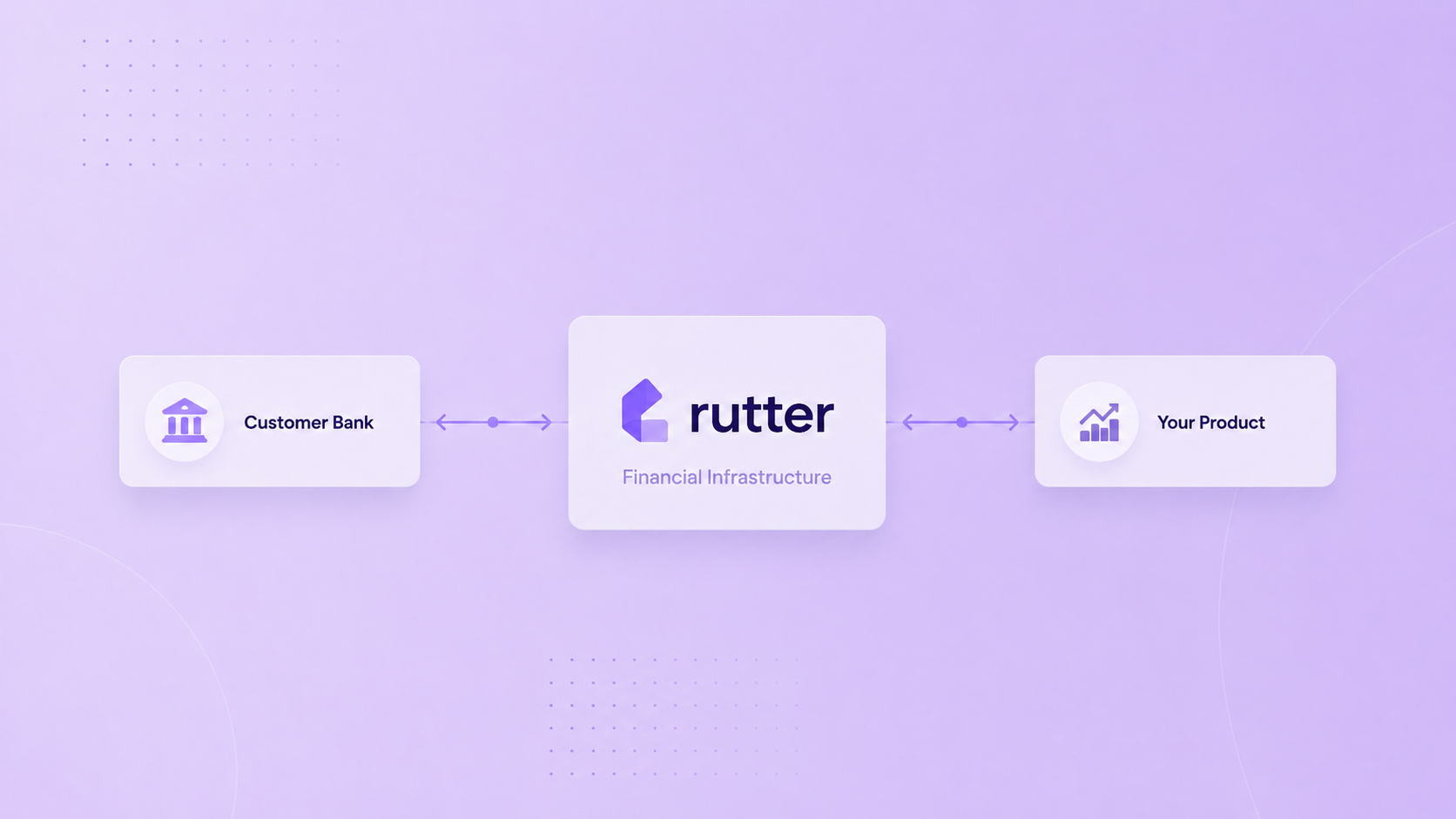
Rutter’s Accounting API is designed for the read/write accounting work behind these financial products. Rutter’s Bill Pay Automation and Invoicing Automation solutions show the two sides of the workflow: accounts payable, where businesses pay vendors, and accounts receivable, where businesses create, collect, and reconcile customer invoices.
An AP automation API connects a product to the accounting or ERP systems where payables already live. In practice, that means the API can retrieve bills, vendors, chart of accounts data, departments, classes, currencies, subsidiaries, and payment status. It can also write approved bill payments, credit memos, journal entries, attachments, and reconciliation data back into the system of record.
The important phrase is "system of record." AP is not just a payment workflow. It is an accounting workflow. A payment can succeed while the customer's books remain wrong. A strong AP automation API has to close both loops: move the workflow forward and keep the ledger accurate.
A modern AP flow usually has five steps:
A product can build a beautiful AP interface and still fail if steps two and five are weak. Finance teams evaluate AP products by whether they reduce month-end cleanup, not only by whether they make invoices look tidy.
AP automation is frequently sold as a workflow feature, but for product and engineering teams it behaves more like infrastructure. Each customer has a different accounting system, data model, approval process, entity structure, currency setup, and vendor list. Building direct integrations into every system creates a maintenance burden that compounds with every platform added.
That is why AP automation becomes a platform problem. Product teams need a normalized layer that can speak to QuickBooks Online, NetSuite, Sage Intacct, Microsoft Dynamics, Xero, SAP, and other systems without forcing engineers to rebuild the same workflow for each platform. Rutter’s Unification Layer helps standardize APIs, token management, data models, and error patterns so teams can design one AP product while supporting many systems underneath.
This matters most when AP is attached to money movement. A bill pay product has to understand the bill, the vendor, the payment method, the account, the payment date, and the eventual reconciliation state. A card product has to know where a transaction belongs. A banking product has to decide whether the customer should initiate ACH, wire, card, or another rail. Rutter does not replace the rails. Rutter helps the product meet the customer where the accounting workflow lives.
A common mistake is treating AP automation as the same thing as payment processing. Payment rails move money. AP automation coordinates the business workflow around the money.
For example, a bank or fintech may already have ACH, wire, card, or cross-border payment infrastructure. That infrastructure can initiate payment, settle funds, and handle compliance obligations. But the customer's finance team still needs the payment to connect back to the original bill, vendor, subsidiary, department, and account. They also need the payment to appear in the system they use to close the books.
Rutter's model is rails-neutral. The bank or fintech brings the payment infrastructure. Rutter provides the ERP and accounting connectivity, workflow surface when needed, and writeback into the ledger. That separation lets product teams keep their financial infrastructure while adding accounting-ready workflows.
Rutter's blog on ERP integration methods is useful here because AP can be delivered in different ways. SMB products often live inside a digital banking or fintech app, with accounting sync handled by API and bank feeds. Mid-market products often need to live inside the ERP itself because AP teams work from NetSuite, Dynamics, Sage Intacct, SAP, or similar systems.
A credible AP automation API needs more than bill objects. It needs enough accounting context to make the workflow usable in production. At minimum, product teams should evaluate:
Rutter’s documentation for Bill Payments and Invoices shows why these object relationships matter. A bill payment is not just an amount. It links back to vendors, bills, accounts, currency, and platform status. An invoice links to customers, accounts, items, tax rates, payment terms, attachments, and payment records. AP and AR automation both depend on these accounting relationships.
SMB customers usually expect the product to live in a web or mobile app. They might use QuickBooks Online or Xero for accounting, but those systems are not where they run a full embedded finance workflow. For that segment, AP automation can sit inside a bank or fintech's digital product, then sync back to the accounting system.
Mid-market customers are different. They live in their ERP. Bills, approvals, subsidiaries, FX decisions, and payment runs often happen inside NetSuite, Dynamics, Sage Intacct, SAP, Workday, or Oracle. Asking those teams to leave the ERP for a banking app creates adoption risk.
Rutter’s embedded finance analysis explains the core strategic issue: the product has to live where the customer works. Rutter Embedded ERP exists for the mid-market case, where AP, treasury, reconciliation, and payment workflows need to run natively inside the ERP experience instead of through a separate portal.
Rutter supports AP automation at three layers.
First, the unified API gives product teams read/write access to accounting and ERP data. Product teams can pull vendors, bills, accounts, tracking categories, and other accounting metadata, then write approved payments and related records back.
Second, Rutter Link handles the end-user authentication and permission flow. A financial workflow depends on consent, access scopes, and ongoing connection health. Rutter Link is the white-labeled authentication layer that lets a product connect the customer's accounting or ERP system without building every auth pattern from scratch.
Third, Rutter's monitoring and observability tools help teams operate the integration in production. AP is sensitive to duplicates, missed syncs, and stale states. Product teams need logs, webhook history, sync history, and connection health visibility. Rutter’s Monitoring feature exists because AP automation is not only about launching an integration. It is about keeping it reliable after customers depend on it.
An AP automation API lets a product read and write accounts payable data across accounting and ERP systems. It usually supports bills, vendors, bill payments, credit memos, attachments, tracking categories, accounts, subsidiaries, and payment status.
Bill pay creates financial activity that must be reflected in the customer's books. Without writeback, the finance team has to manually reconcile the payment against the bill, account, vendor, and payment method.
No. A payments API moves or retrieves payment data. An AP automation API coordinates the accounting workflow around a payable, including vendor data, approvals, bill status, payment records, and ledger sync.
AP products typically use Rutter’s Accounting API, Rutter Link, the Unification Layer, Monitoring, and Bill Pay Automation capabilities. Mid-market products may also use Embedded ERP when the workflow needs to live inside systems like NetSuite or Dynamics.
AP automation looks simple from the outside: ingest invoice, approve bill, pay vendor, sync accounting. Production reality is messier. Every customer has its own ledger structure, vendor records, approvals, payment rails, and ERP behavior. Building one-off integrations for each platform turns AP into a permanent maintenance tax.
A better approach is to treat AP automation as product infrastructure. Build the experience customers need, keep the payment rails you already own, and use a unified read/write layer to connect the workflow back to the systems of record. Rutter helps fintech and banking teams do exactly that: one integration layer for AP, AR, bill pay, payment sync, reconciliation, and the broader Financial OS.

Building integrated products is hard. We can do that together. Let's chat.
.png)
.png)