Product
Introducing Rutter Embedded ERP
Rutter Embedded ERP is a new way for fintechs and banks to deliver their products as native experiences inside the ERPs their midmarket customers run on.


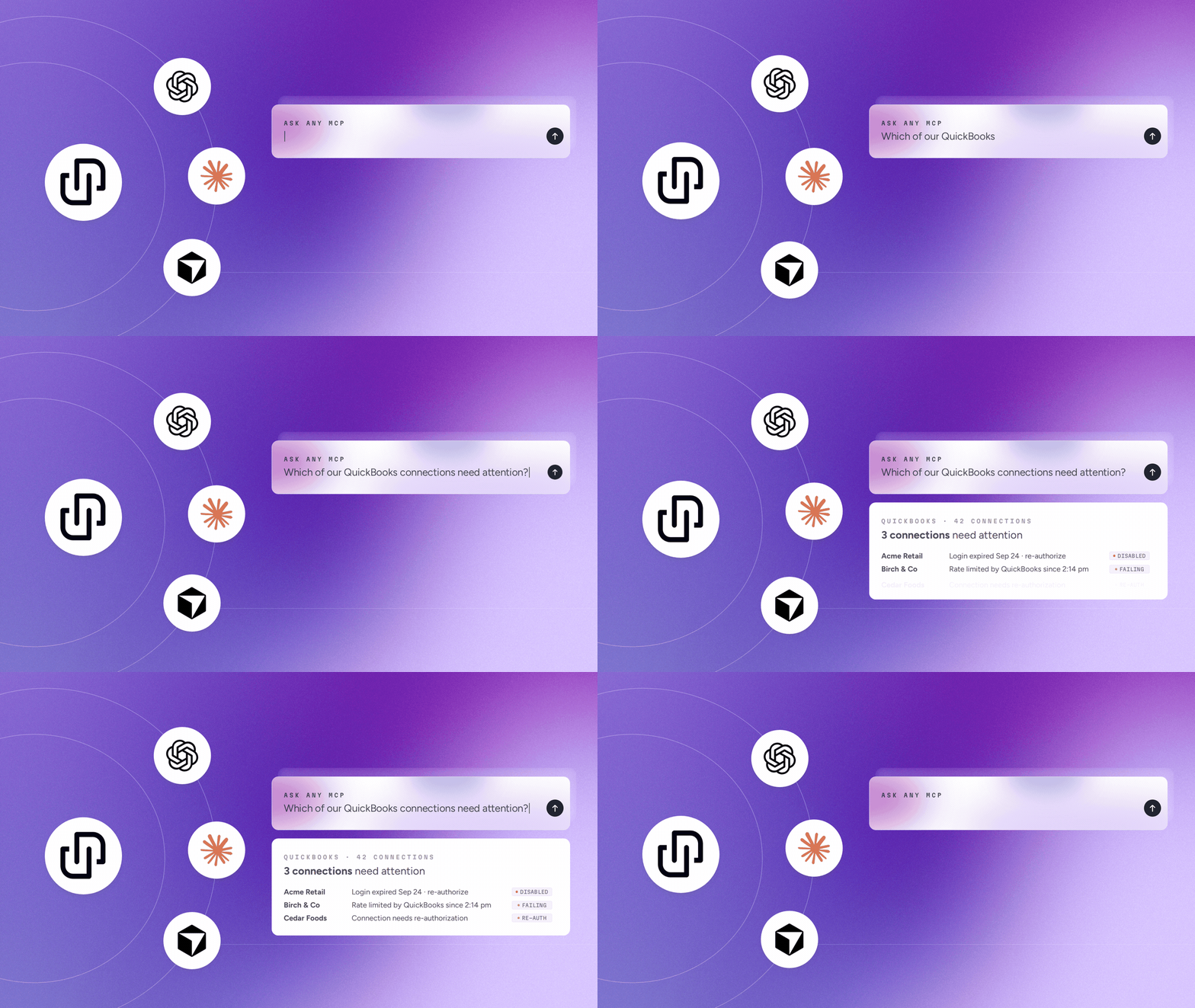
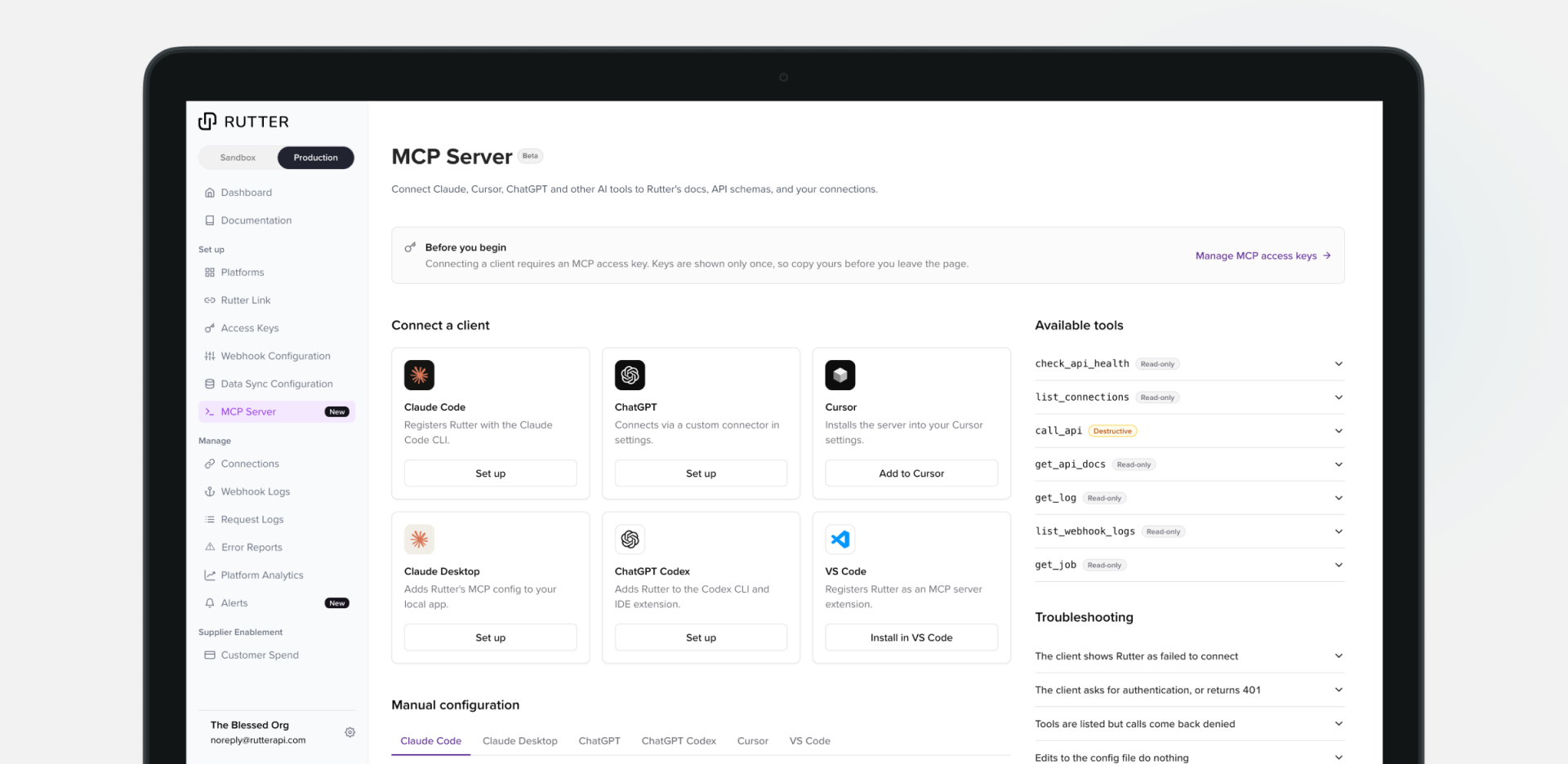
Rutter MCP is available today. It connects your AI tools straight to your Rutter account. MCP (Model Context Protocol) is the open standard that lets tools like Claude, ChatGPT, and Cursor talk to outside services. Add Rutter’s endpoint to your client and ask about your connections and our docs in plain English.
Three ways your team will use it:

Examples use sample data. Real answers depend on your connections and your AI client.
"Which of our QuickBooks connections need attention?"
3 of your 42 QuickBooks connections need attention:
Acme Retail: disabled. The login expired on Sep 24 and needs to be re-authorized.
Birch & Co: syncs failing since 2:14 PM because QuickBooks is rate limiting requests.
Cedar Foods: needs to be re-authorized.
"What requests failed for Birch & Co yesterday?"
12 requests failed between 2:10 and 2:40 PM ET. All were invoice reads rejected by QuickBooks for too many requests (error 429). Want me to draft a support message to Rutter with the request IDs?
"Why did Cedar Foods' last sync fail?"
Cedar Foods’ QuickBooks sync failed at 1:05 AM ET today. QuickBooks returned a 401 error, which means the connection’s login is no longer valid. The last successful sync was Sep 27 at 1:02 AM. The customer needs to re-authorize the connection.
"Can I create bills in NetSuite through Rutter?"
Yes. Rutter supports creating bills in NetSuite. Here’s the docs page with the required fields and a sample request.
"Can I update journal entries in Xero?"
Yes. Rutter supports updating journal entries on Xero through PATCH /accounting/journal_entries/ :id (updateJournalEntry)
Rutter MCP gives AI tools access to your financial data, but the AI model that writes each answer is provided by a third party, not Rutter. AI models are non-deterministic, so the same question can get different answers. They can also produce responses that are inaccurate, incomplete, or misleading. Always check important figures against the source system before acting on them, especially before making financial decisions or approving changes to your records.

Building integrated products is hard. We can do that together. Let's chat.