Product
Introducing Rutter MCP: Debug connections and check support from your AI client
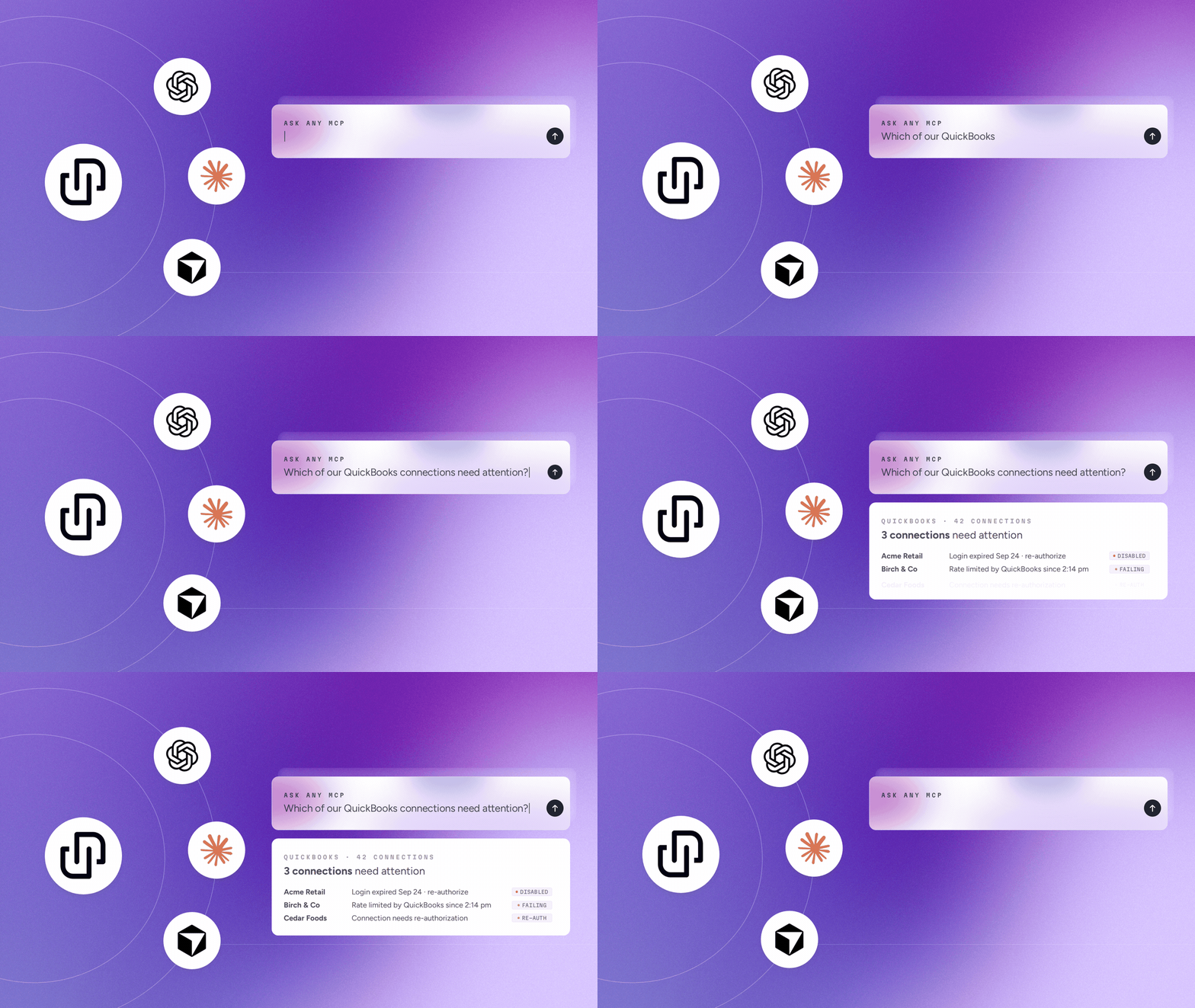
Rutter MCP connects Claude, ChatGPT, and Cursor to your Rutter account so you can debug connections and check platform support in plain English.


Building financial products means keeping your customers’ data current. But every sync comes with API activity, and that activity can affect your platform allowances, rate limits, and costs.
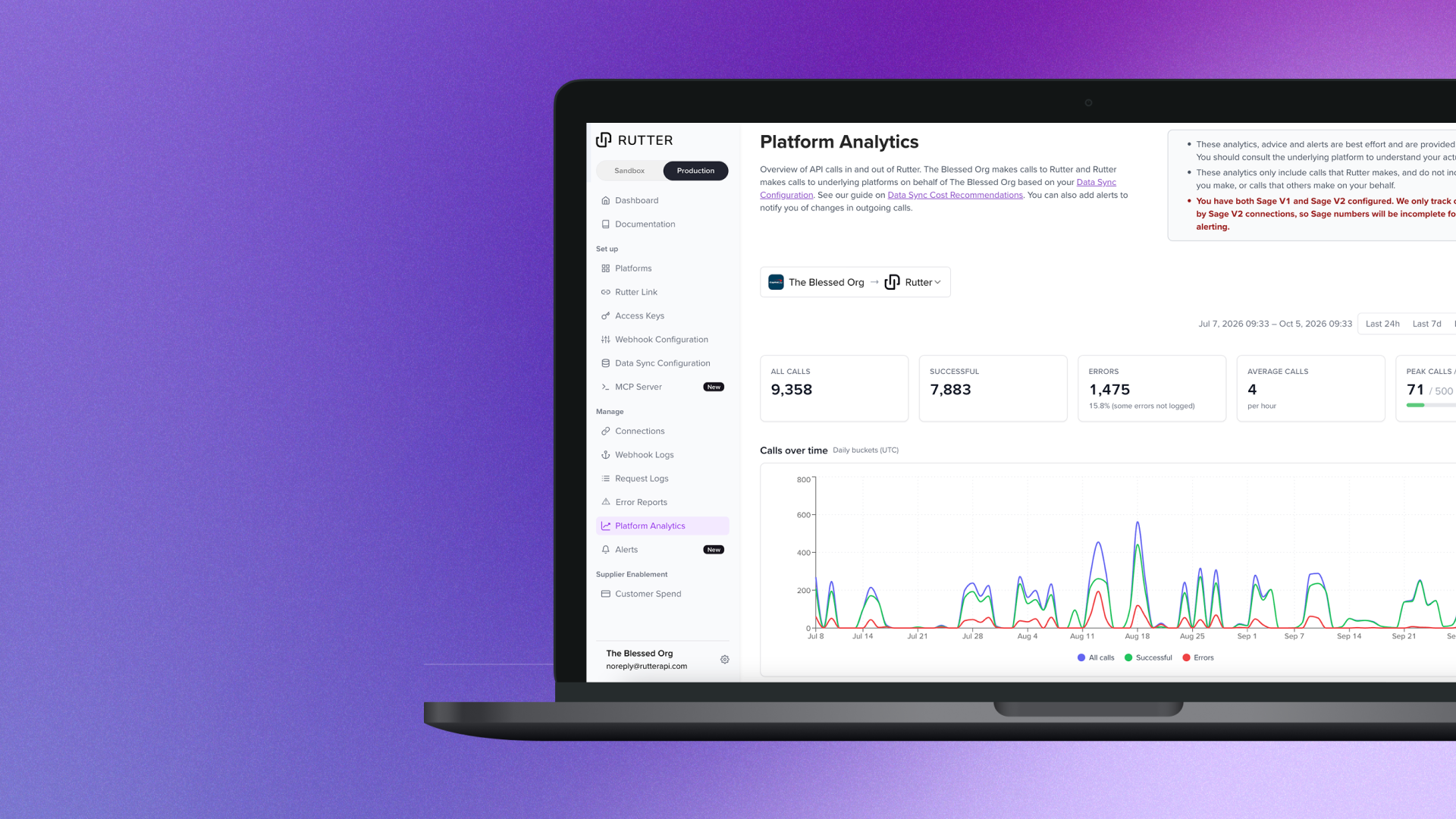
No one likes being surprised by sudden limits or changing costs, so today we’re introducing Platform Analytics and Alerting to help you understand your platform usage and get notified when it crosses a limit or changes unexpectedly.

Platform Analytics brings usage across QuickBooks Online, Xero, and Sage Intacct V2 into one place. Although all three platforms charge differently for usage, you can see what drives your usage by:
For example, if QuickBooks usage increases after onboarding new customers, you can check whether that activity comes from an initial historical sync or ongoing updates. That context helps your team decide whether to adjust sync settings or plan for higher sustained usage.
Accounting platforms measure usage differently. QuickBooks Online meters billable read calls, while Xero’s pricing includes data egress allowances. Sage Intacct has its own API usage allowances and overage rates.
Platform Analytics translates observed activity into approximate monthly usage and cost projections, with platform-specific guidance on allowances and plan tiers.
Use those projections to evaluate your sync strategy and prepare for conversations about platform pricing.
Your team shouldn’t have to check a dashboard every day to catch an unexpected increase.
With Alerting, you can configure two types of notifications:
Send notifications to Slack, email, or both. Each alert includes the observed usage, an explanation of why it fired, your custom note, and a link back to the relevant dashboard.
For example, you could set a usage threshold below your platform allowance to give your team time to review its options, alongside an anomaly alert that flags an unexpected change in daily activity.
Open Platform Analytics in the Rutter dashboard to turn on analytics for your supported platforms. Rutter prepares the available historical data automatically. To set up alerting, configure your Slack channel or email recipients, then add your alerts.
For guidance on reducing unnecessary API activity, see our Data Sync Cost Recommendations.
New to Rutter? Talk to our team about building and managing your financial integrations.
Note: Estimates in Platform Analytics cover traffic generated through Rutter; your platform account remains the source of truth for actual usage and billing.

Building integrated products is hard. We can do that together. Let's chat.